Remove complex emoji overlays
Multiple stickers, emoji clusters, or decorative icons — AI clears them while preserving the scene.


Remove emoji, stickers, and decorative icons from your images for free
Drag & drop an image or paste with Ctrl + V
No software install — use AI emoji removal in your browser. Follow four steps for clean results in minutes.
Click "Upload image", drag a file into the area above, or paste with Ctrl + V. Supports JPG, PNG, WebP, AVIF up to 10MB.
After upload, AI detects and clears emoji, stickers, and decorative overlays in seconds.
Drag the compare slider to verify emoji and stickers are removed and the image looks natural.
Click download to save a full-resolution image without emoji or stickers.
Multiple stickers, emoji clusters, or decorative icons — AI clears them while preserving the scene.
Deep learning distinguishes stickers and emoji from image content with minimal false removal.


Keeps resolution and detail. Compare before and after with the slider.
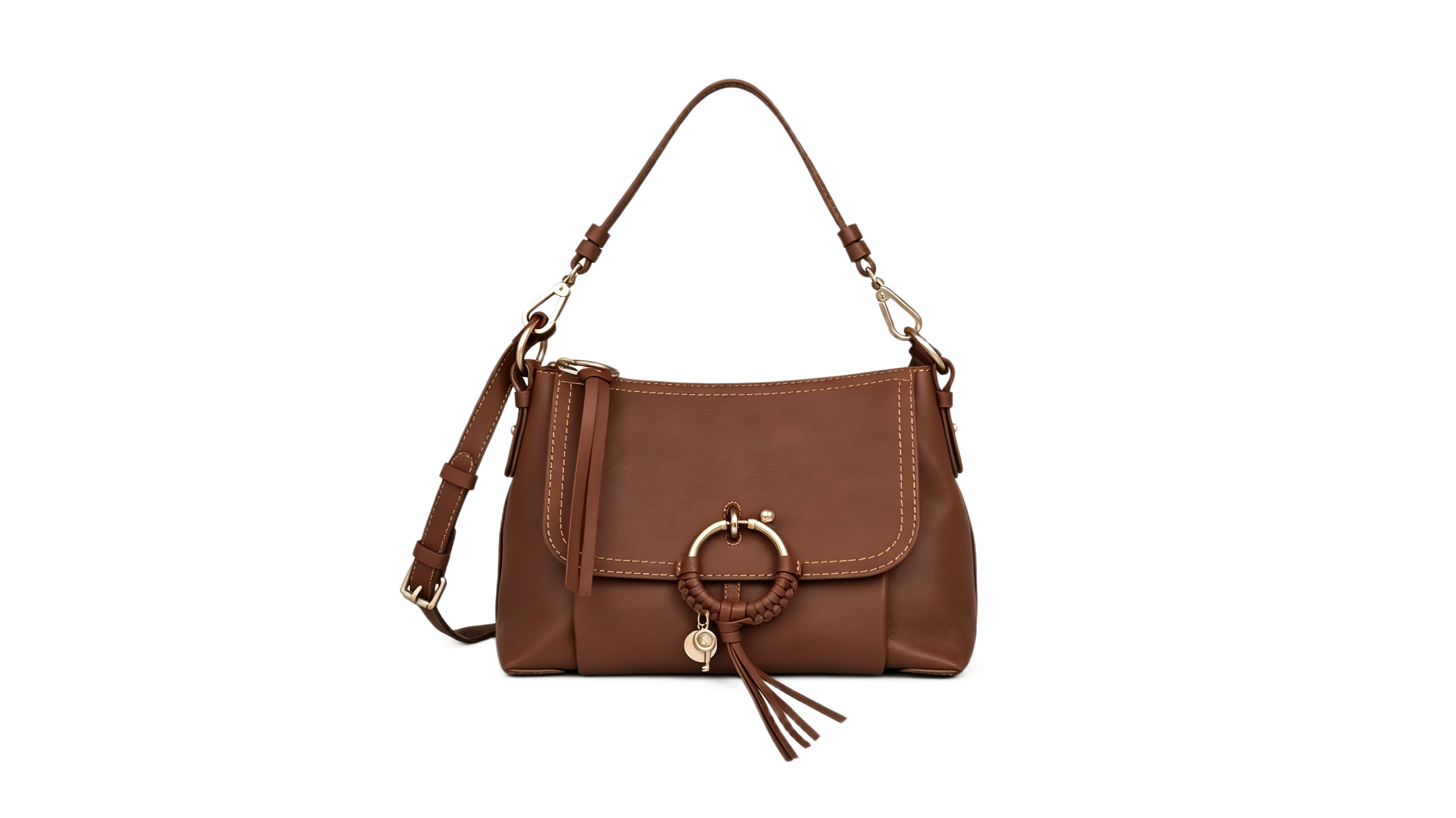
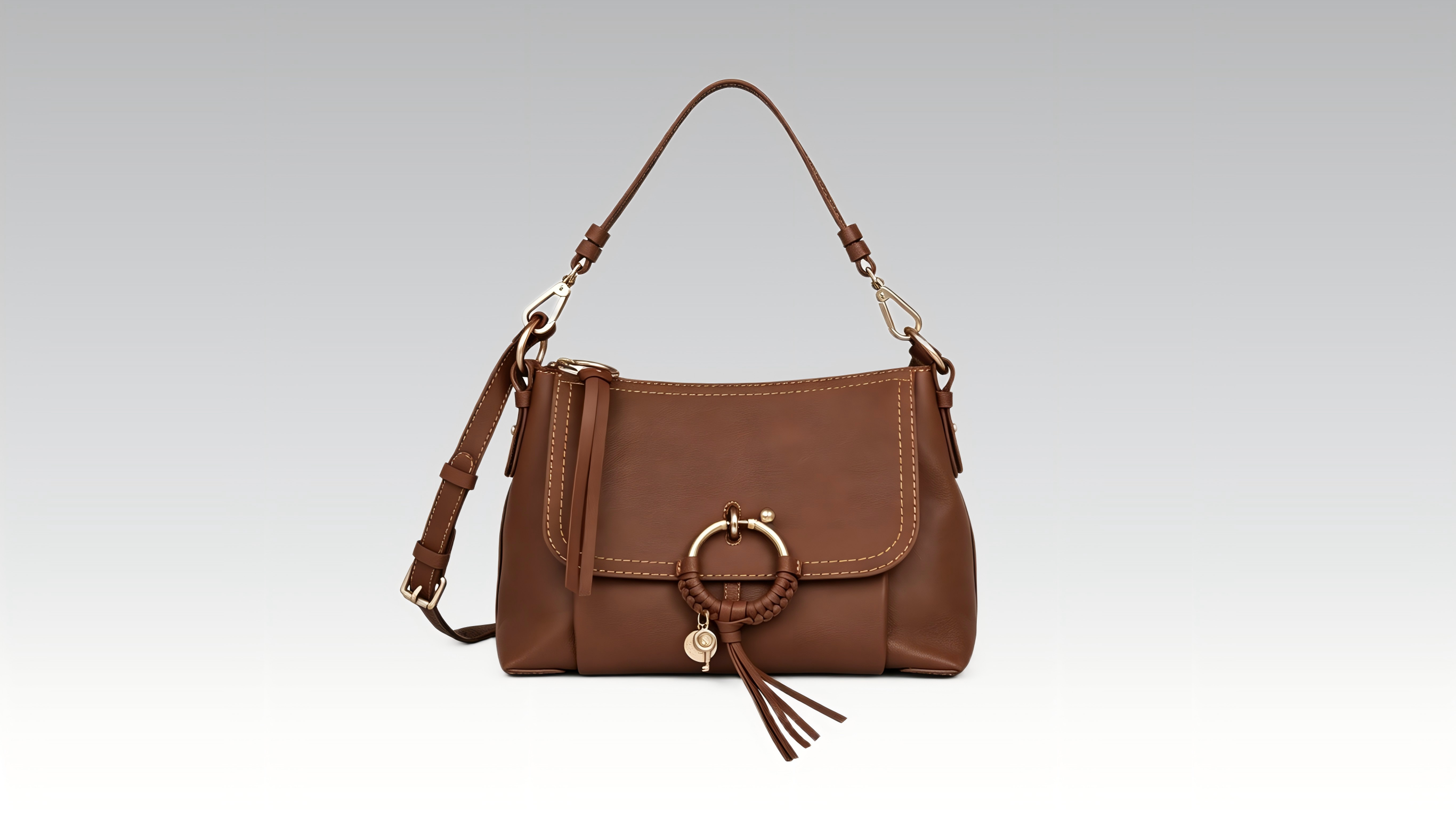
Clean emoji and stickers from chat screenshots and social posts for a professional look.

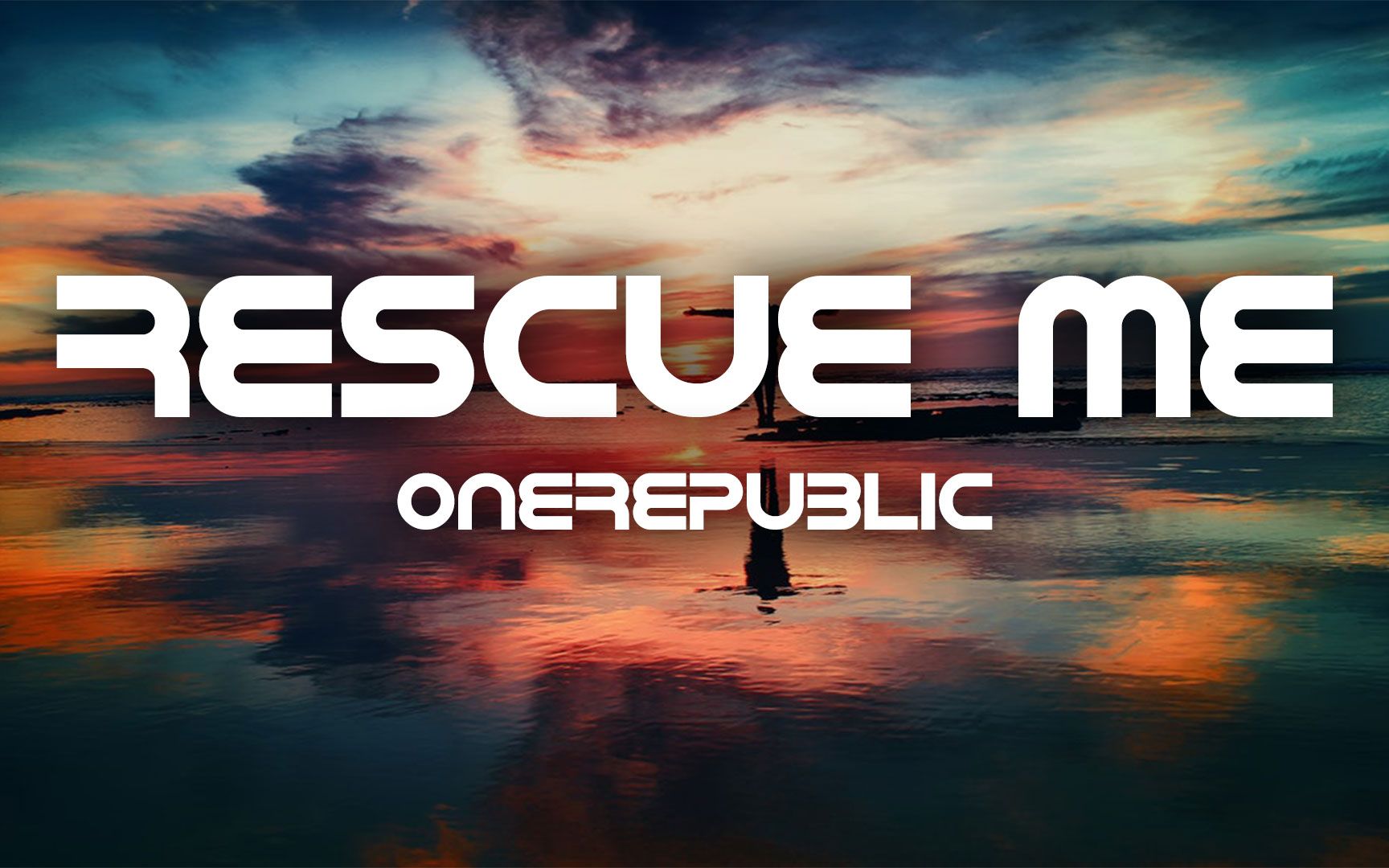
Try for free with daily check-in credits. Zero-cost AI emoji and sticker removal.
Removes overlays while keeping backgrounds and subjects natural. Preview before download.
Upload, process, compare, download — all online. No install, a few steps to a clean image.
Web-based, no app required. Use on phone, tablet, or desktop anytime.